Drawing Shapes
Commands like forward and up draw one line of blocks at a time, which is
great for paths, outlines, and anything you want to watch grow. When you know
the shape you want, Enu can draw the whole thing in one command.
Shapes are drawn where the drawing turtle is, facing the way the turtle faces,
in the current color. Move the turtle with the normal drawing commands (use
drawing = false if you don't want to leave a trail on the way), or tell the
shape exactly where to go with at.
box
box width, height, depth draws a solid box:
box 5, 3, 8
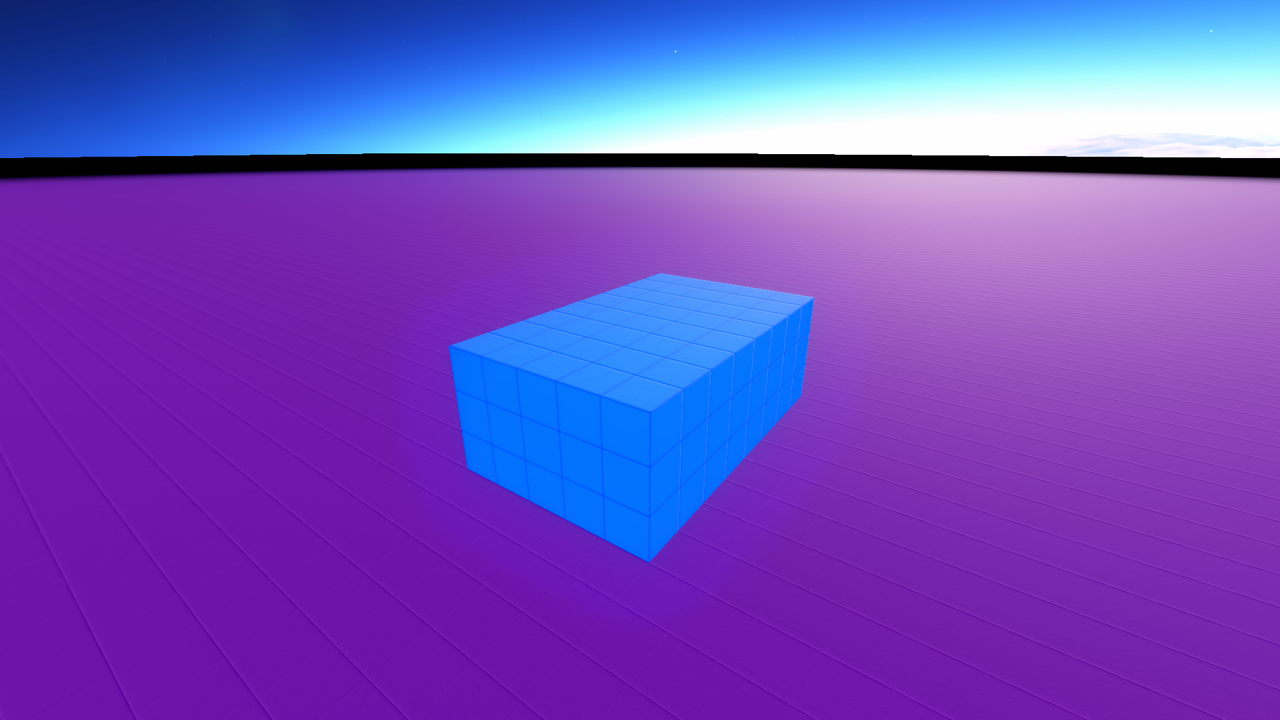
Make it hollow with fill = false, which is an instant room. Erase a couple
of blocks for a doorway and you've got a little house:
box 9, 6, 9, fill = false
box 2, 3, 1, at = vec3(4, 0, 0), color = eraser
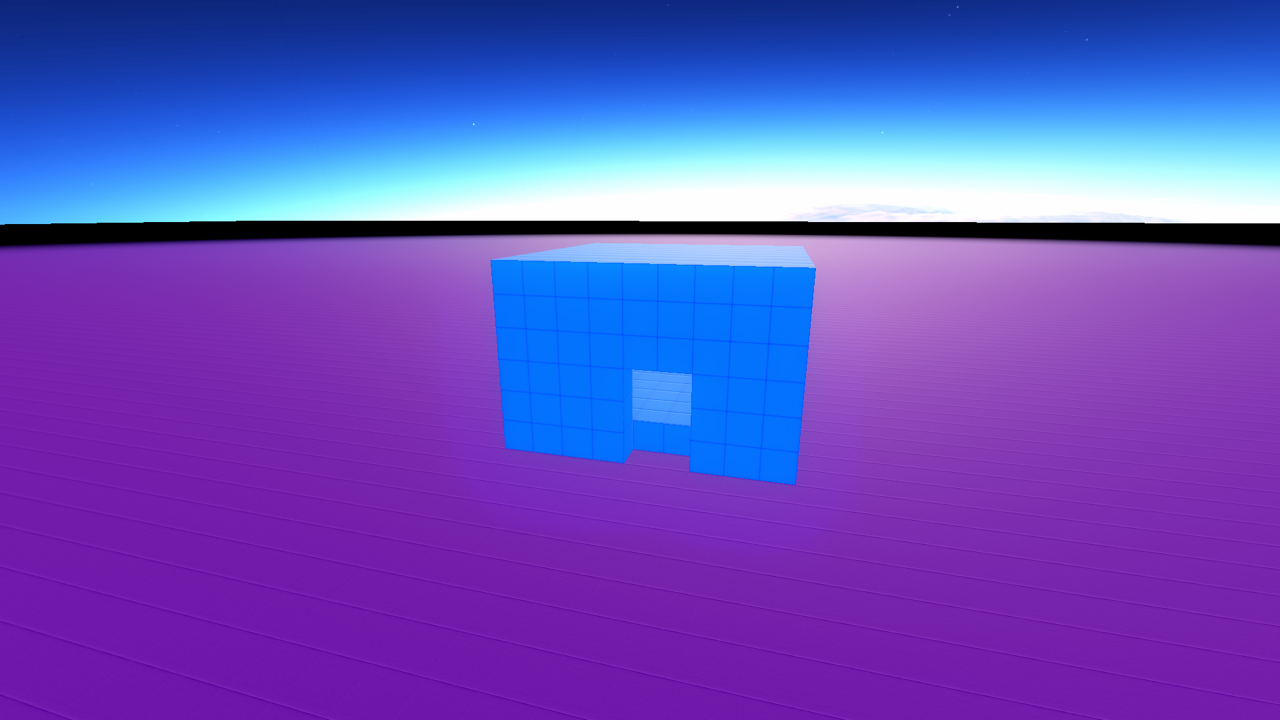
You can also draw a box between two corners, which is handy when you know coordinates instead of sizes:
box vec3(0, 0, 0), vec3(9, 4, 9)
ball
ball size draws a sphere, size blocks across, centred on the turtle:
color = red
ball 9
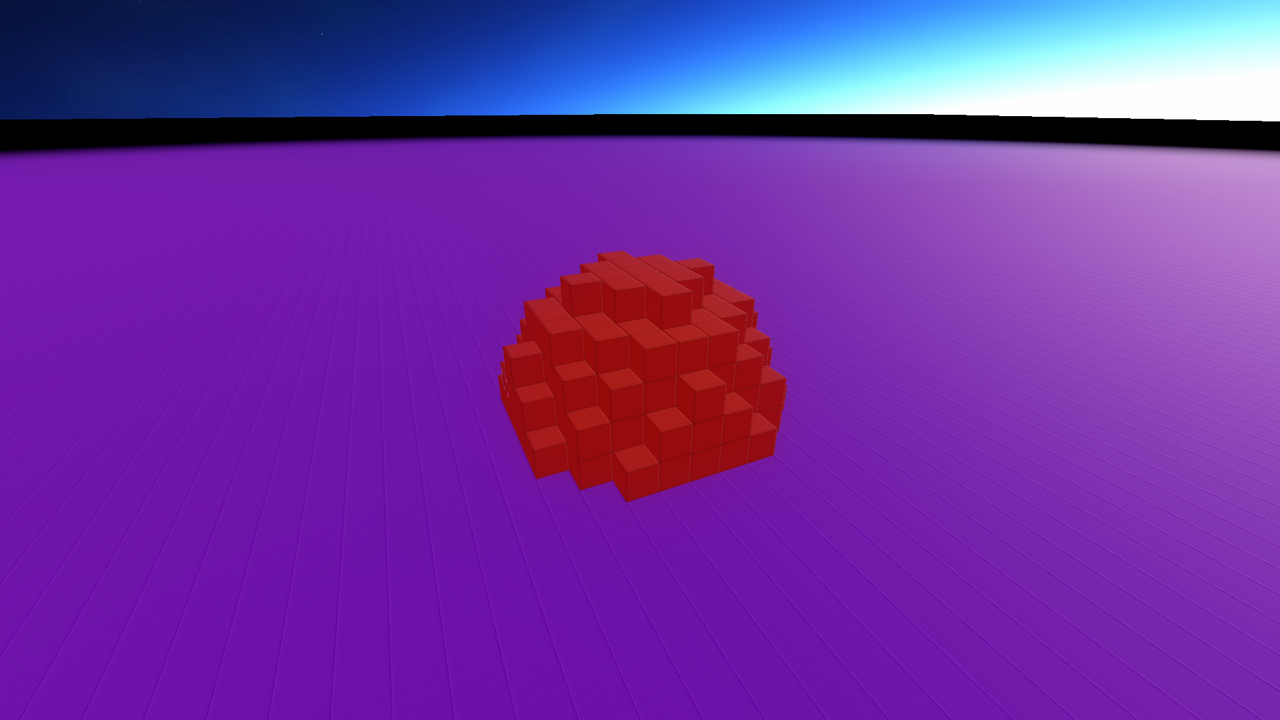
Hollow balls make good domes. Draw one, then erase the bottom half, or bury
half of it in the ground. sphere is the same command with a fancier name.
can
can size, height draws a cylinder, standing on the turtle's spot:
color = green
can 7, 12
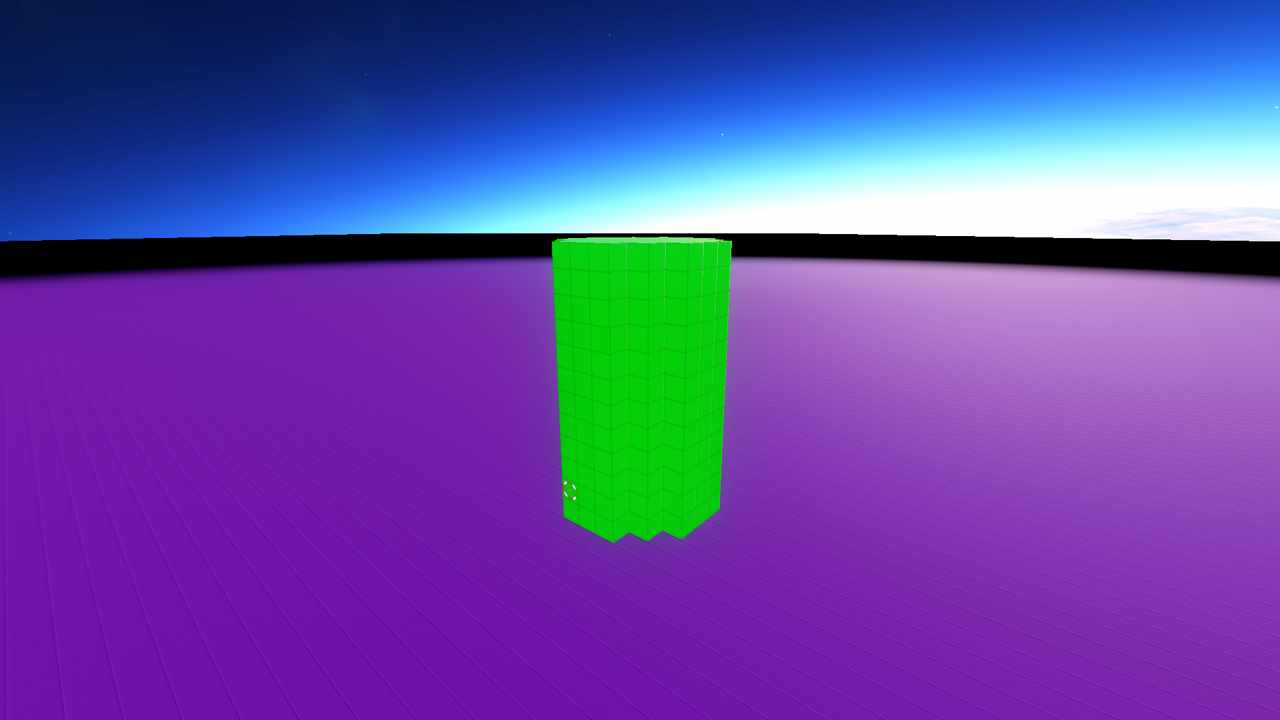
Perfect for towers, tree trunks, columns, and cans. cylinder is the same
command with more syllables.
wall and floor
wall length draws a wall heading the way the turtle faces, 4 blocks tall
unless you say otherwise:
wall 10       # 10 long, 4 tall
wall 10, 8    # 10 long, 8 tall
The turtle ends up at the far end of the wall, so turning and drawing another wall makes a perfect corner:
color = brown
4.times:
  wall 15, 5
  turn right
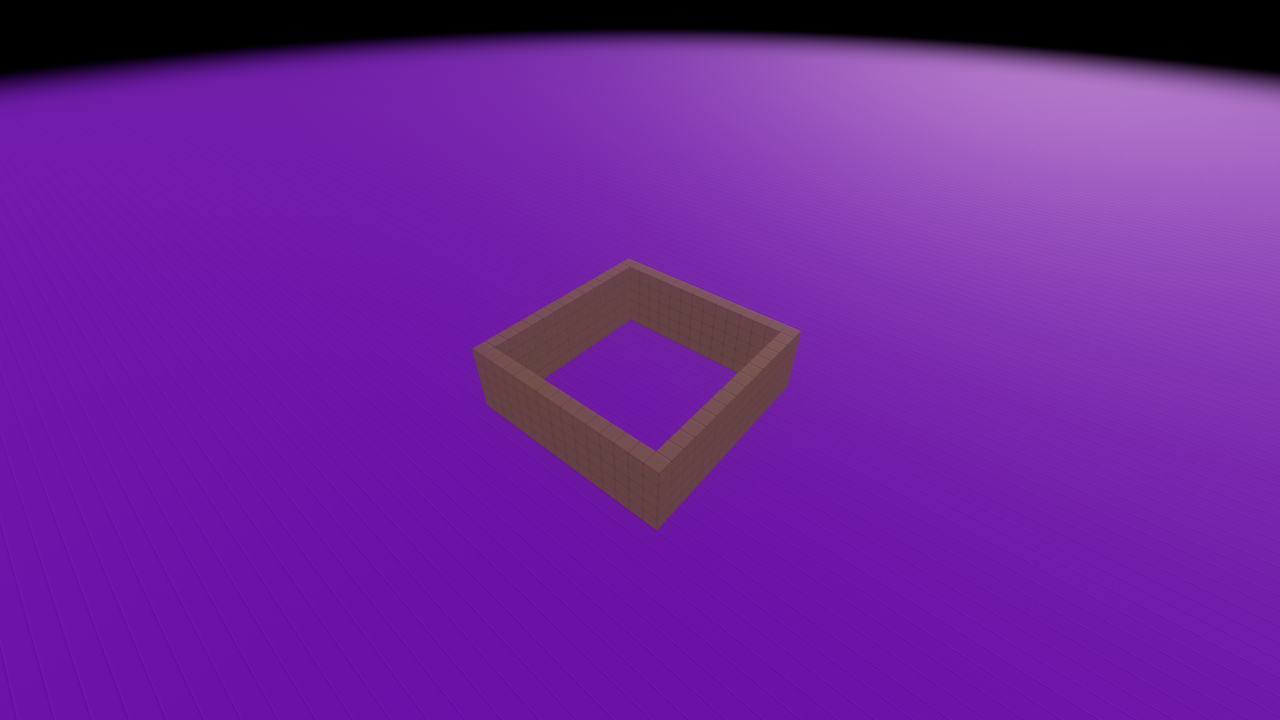
That's a fort. You're welcome.
floor length works the same way, but flat. It draws a square slab unless you
give it a different width:
floor 15      # 15 x 15
floor 15, 10  # 15 deep, 10 wide
Like wall, it leaves the turtle at the far edge, ready for the next piece.
place
place x, y, z puts a single block at exact coordinates without moving the
turtle:
place 3, 0, 5
place 3, 1, 5, red
Coordinates are relative to the build's own space, not the world.
Drawing somewhere else
Every shape takes an at to draw at exact coordinates instead of at the
turtle:
ball 5, at = vec3(0, 20, 0)      # a ball floating overhead
can 3, 30, at = vec3(10, 0, 10)  # a column off to the side
Colors and erasing
Shapes use the current color, or take one directly:
box 5, 5, 5, color = green
eraser is a color too, so shapes can carve as well as build. A classic move
is drawing a solid box and erasing a doorway:
box 9, 6, 9
box 2, 3, 1, at = vec3(4, 0, 0), color = eraser
Under the hood
ball and can are aliases for sphere and cylinder. Sphere and cylinder
sizes are diameters, rasterised centred on the target block, so even sizes
round up to the next odd width. Fractional sizes are allowed, which is useful
for smooth tapers. Stack thin can slices with shrinking sizes to make cones
and spires.